Quick guide: Takes 5–10 minutes
You’ll need: Plain white paper, ink pad or pencil, clear tape, phone or camera
Included: Free fingerprint cleanup and preview tool below
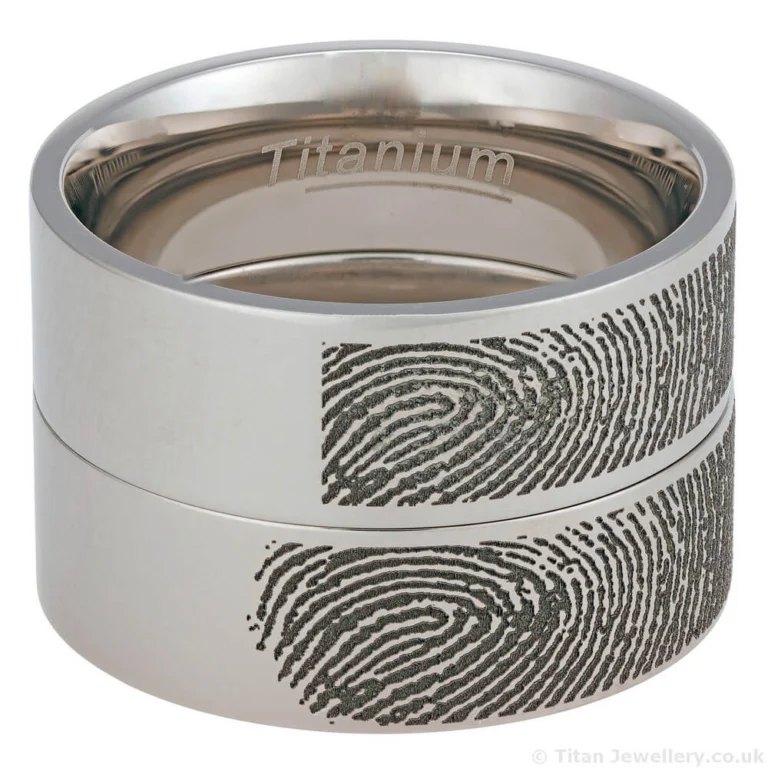
Fingerprint engraving uses a real fingerprint to create personal jewellery such as rings, pendants, dog tags, or keepsakes. To achieve a sharp and accurate result, the fingerprint image must show clear ridge detail with strong contrast.
This guide explains how to take a high-quality fingerprint at home for fingerprint engraving using everyday items. Once complete, the free tool at the bottom of this page allows you to clean up the image, preview how it will engrave, adjust spacing, and download a file ready to send to us.
Before You Start
Preparation matters:
Wash and dry your hands. Clean, dry skin produces clearer ridges
Use plain white paper. Avoid glossy, textured, or coloured paper
Work in good lighting. Natural light or bright indoor lighting works well
Apply light pressure. Pressing too hard causes smudging and loss of detail
Method 1: Ink Pad (Recommended)
This method produces the clearest and most reliable fingerprints for fingerprint engraving on rings and other jewellery.
Steps:
Press your finger onto the ink pad and gently roll it side to side to coat the ridges evenly
Press lightly onto plain white paper. Do not push hard
Take several prints using different fingers
Choose the clearest print and allow it to dry fully
Photograph it in good lighting with the camera positioned directly above the paper
Upload the image to the tool below to preview and adjust spacing
Download the final file and email it to us
Why this works:
Ink prints capture strong ridge definition and fine detail. This makes them ideal for fingerprint rings, pendants, and high-contrast engravings on metal.
Method 2: Pencil and Tape
A good alternative if you do not have an ink pad for fingerprint engraving.
Steps:
Shade a small area of white paper with a soft pencil, slightly larger than your fingertip
Rub your finger over the graphite until it is evenly coated
Press clear tape firmly over your fingertip, then lift it carefully
Stick the tape onto plain white paper
Photograph the print without flash or glare
Upload the image to the tool, adjust spacing, download, and email it to us
Why this works:
Pencil graphite transfers cleanly to tape and creates good contrast on white paper when done carefully, which is suitable for fingerprint engraving.
Method 3: Phone Apps (Not Recommended)
Some smartphone apps can capture fingerprints, but results are often poor. Ridge detail may be incomplete or distorted, which limits fingerprint engraving accuracy.
If you use an app, check that the ridges appear sharp, continuous, and evenly lit before uploading the image.